

10 Hz GPS
On board, with an external antenna. Lap and sector lines are set by position: no beacons, no trackside hardware.
Plug a USB sim-racing wheel or button box into one small box. Every button, encoder and paddle becomes a CAN command for your ECU or PDM, and the rim's screen shows a live dash from the car, with GPS lap timing, delta and data logging built in. It works with race ECUs, factory ECUs and pre-OBD classics alike. Set it all up in the GAINS app.
Coming soon
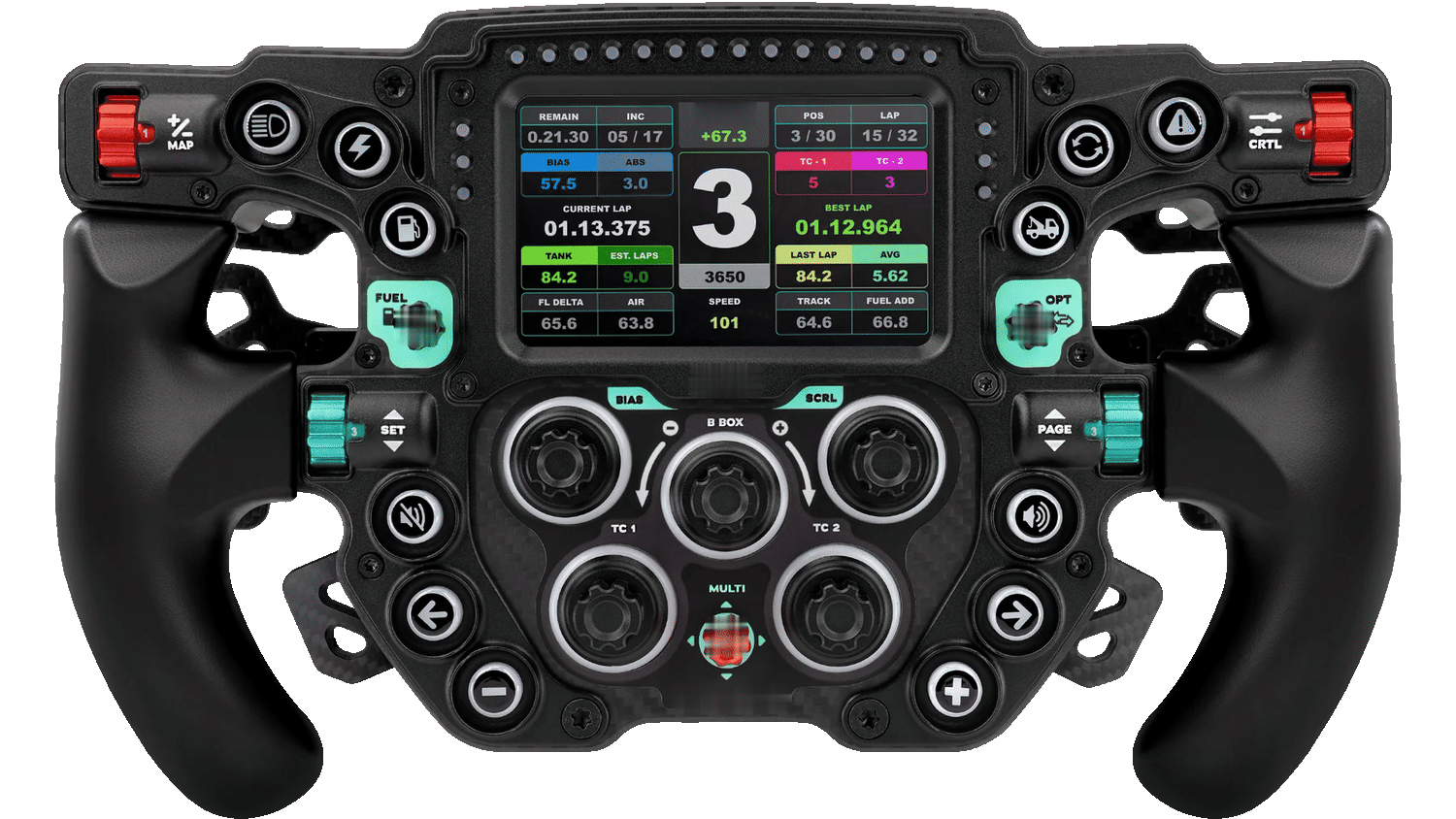
Press any button, rotary, thumb wheel or paddle. PAGE and the arrows change the screen.
A GAINS ECU2 or PDM2 sees the rim as a native GAINS wheel. Nothing to set up on the car side.
Your hands know where every button is. Sim rims are some of the best-made controls in racing, and most of them speak plain USB. The adapter turns that USB into the language your car's electronics already understand.
USB game controller: buttons, encoders, paddles, clutch axes
Reads the controls, maps them, renders the dash
ECU, PDM, dash and GAINS devices on CAN
On the rig, the screen waits for the PC. In the car, the adapter feeds it a live dash from your ECU's own data: shift lights, gear, delta, fuel, temperatures. Choose the layout in the GAINS app, or flick through them from a button on the wheel.
Layouts shown with synthetic data. Screen output works on rims whose built-in screen accepts a USB video stream; each rim model is checked before we list it.
The adapter carries its own 10 Hz GPS and a 1 Gbit data logger. It times every lap and sector, shows a live predictive delta on the rim's screen, and records your ECU's channels with position, even if your ECU has no GPS of its own.
| S1 | S2 | S3 | Lap | |
|---|---|---|---|---|
| Now | — | — | — | — |
| Last | 30.871 | 31.004 | 29.912 | 1:31.787 |
| Best | 30.412 | 31.227 | 29.645 | 1:31.284 |
best sector faster than last slower
On board, with an external antenna. Lap and sector lines are set by position: no beacons, no trackside hardware.
How far ahead or behind your best lap you are, updated as you drive, on the screen in front of you.
Every sector against your last lap and your best, coloured at a glance: best, faster, slower.
About 18 hours at 40 channels and 20 samples a second: ECU data, controls and position, time-stamped together.
Read from your ECU's own CAN broadcast, listen-only, and stored against where you were on track.
Review sessions in the GAINS app: where the time went, corner by corner, and how today compares with last time.
Demo circuit and synthetic lap data. Logging duration is an estimate for 40 channels at 20 Hz. Session review in the GAINS app is in development. A GAINS GPS puck on the CAN bus can be used instead of the onboard receiver.
The app is for setup only. Your mapping and layouts are stored in the adapter, which runs the car side on its own.
Connect the rim's USB cable. The adapter powers it (up to 3 A) and reads every control it reports.
The app lists each button, encoder, paddle and clutch axis as you touch it.
Pick what each one does: an ECU function, a PDM output, a keypad key or your own CAN frame.
Get a DBC and a setup sheet with the exact fields for your ECU software, filled in.
The profile lives in the adapter. It runs with the phone in your pocket, or at home.
A GAINS ECU2 or PDM2 sees the rim as a native GAINS wheel. Nothing to set up on the car side.
Any ECU or PDM with user-defined CAN inputs. The app generates a DBC and a step-by-step setup sheet for your ECU software.
Many ECUs and PDMs already read a CAN keypad. The adapter can answer as one, so you pick a keypad in your ECU software and assign keys.
Already run a CAN keypad? Put it on the second bus and the adapter passes its keys through to the car alongside the wheel.
Every ECU and PDM wants its own setup. The adapter meets each one the quickest way it allows: as the keypad it already reads, as a DBC file it can import, or as a filled-in setup sheet for its own software. Pick yours.
PCLink sets up CAN with its own stream files, not DBC. For Link's User Defined CAN channels the app gives you a field-by-field sheet (ID, start position, width) instead.
A GAINS ECU2 or PDM2 sees the rim as its own wheel. Nothing to set up on the car side.
The adapter answers as the CAN keypad your ECU already knows. Pick the keypad in your ECU software and assign keys.
The GAINS app exports a .dbc file describing every control. Import it, then assign the channels.
The app shows only your software's fields, in its order, already filled in, with a copy button on each.
| Platform | Native GAINS0 min | Keypad mode≈1 min | DBC import≈2–3 min | Guided setup sheet≈3–5 min |
|---|---|---|---|---|
| GAINSECU2, PDM2 | Yes · quickest | — | Yes | Yes |
| LinkG4X, G5 | — | Planned · quickest | — | Yes |
| HaltechNexus range, Elite | — | Planned · quickest | To confirm | Yes |
| ECUMaster PMU / ADUPMU16, PMU24, ADU dashes | — | Planned | Yes · quickest | Yes |
| ECUMaster EMU BlackEMU Black | — | Planned · quickest | To confirm | Yes |
| MaxxECURace, Pro, Street, Mini, PDM | — | Planned · quickest | To confirm | Yes |
| MoTeCM1, dashes, PDM | — | — | Yes · quickest | Yes |
| AiMPDM08, PDM32, dashes, loggers | — | Planned · quickest | Yes | Yes |
| AEM CD dashCD-5, CD-7 | — | Planned | Yes · quickest | Yes |
| EmtronKV and SL ranges | — | — | To confirm | Yes · quickest |
Built from each maker's published documentation; not yet tested on every platform. "Planned" means the adapter's side is designed but not released. Times are estimates for a user who knows their ECU software. Brand names identify compatibility only; GAINS is not affiliated with these makers.
One sealed connector covers all three. Aftermarket ECUs and PDMs on CAN, factory ECUs through the OBD-II port, and pre-OBD classics with no computer, wired straight to the coil, a speed sensor and up to eleven senders. Same wheel, same screen, same lap timing.
The same Superseal 34-way family as GAINS ECU2 and PDM2.
Wired straight to the car: ignition to pin 34, the coil or tach signal to pin 25, a speed sensor to pin 26, senders and switches to the inputs, with a 5 V sensor supply on pin 28.
The vehicle harness is sold separately and uses the same Superseal 34-way family as GAINS ECU2 and PDM2; the OBD-II leads plug straight in. A small adapter for 1996–2007 cars without CAN on the OBD-II port is planned. Factory-ECU data depends on a profile for each vehicle. Nothing here has been tested on a car yet.
We use only the standard USB game-controller interface, never a maker's private protocol. Every model is checked on a real unit before we list it as supported.
Rims, button plates and button boxes that work on a PC as a standard USB game controller, on their own.
Rims with a quick-release connector whose maker sells a USB hub or cable for it. Checked model by model.
Rims that only work through their wheel base, or only over a wireless receiver.
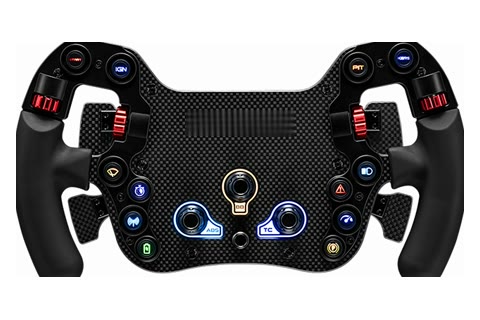
One detail to confirm
5 mm carbon plate, USB cable included. Base-free use to bench-test.
Specs, photos and things to know →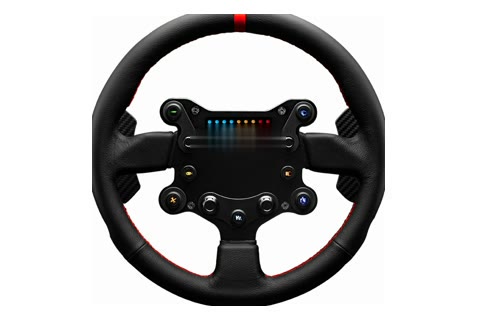
One detail to confirm
Cast magnesium-aluminium. USB cable included; base-free use to bench-test.
Specs, photos and things to know →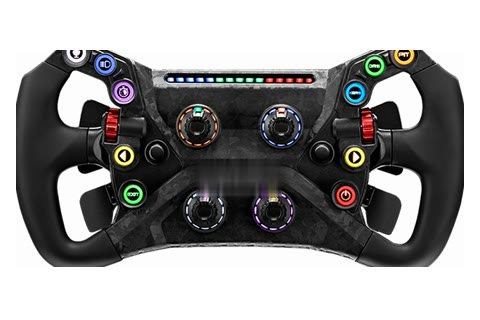
One detail to confirm
Moulded carbon-reinforced composite: thickness to check. Works with any PC through MagLink.
Specs, photos and things to know →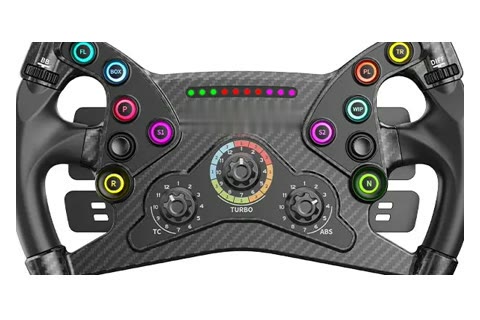
One detail to confirm
Carbon-reinforced composite body: strength to check. Through the Universal Hub.
Specs, photos and things to know →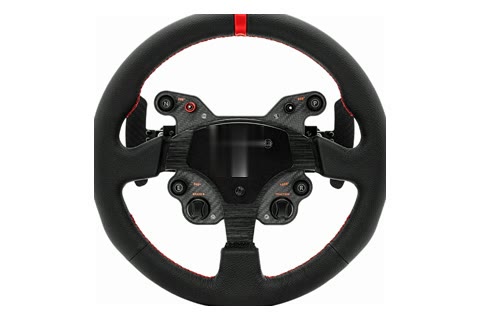
One detail to confirm
CNC aluminium, QR70 included. USB cable in the box; base-free use to bench-test.
Specs, photos and things to know →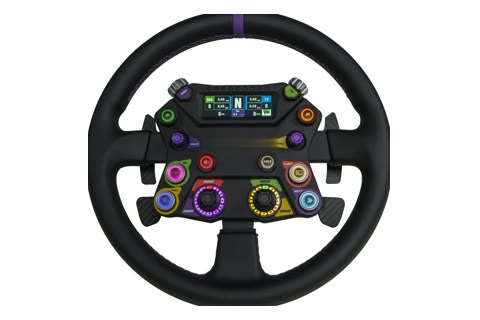
Sold as a USB rim · bench test due
6 × 70 adapter and USB cable in the box.
Specs, photos and things to know →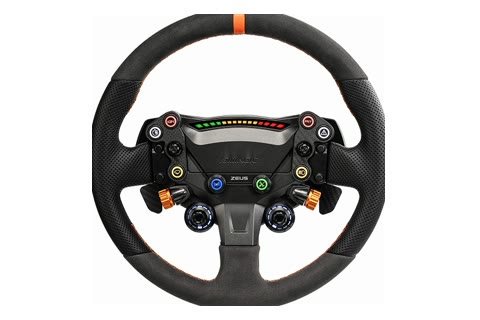
One detail to confirm
Aluminium chassis with trim panels: back finish to confirm. USB through MagLink Pro.
Specs, photos and things to know →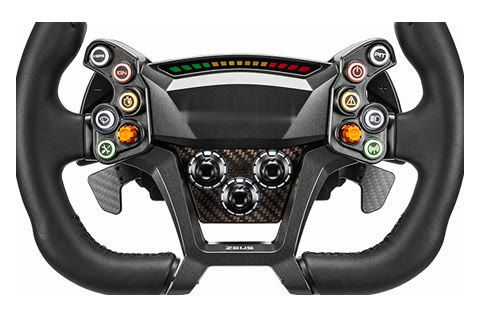
Via the maker's USB link · bench test due
CNC aluminium back. Wired USB through MagLink Pro (≈$45).
Specs, photos and things to know →Sim rims are made for a desk rig. They are not crash-rated, have no airbag, and their quick releases are not rated for vehicle steering loads. The adapter carries controls only, for motorsport and off-road use. Mount the rim as a button panel, or as a wheel only where your series rules and scrutineer approve it. Some rim makers say their products must not be used in a real car; respect that. Removing an airbag or replacing a steering wheel is restricted or illegal on the road in many places.
| Wheel port | USB-C, USB 2.0 high-speed host, 3 A at 5 V for rims with screens |
| Accessory port | USB-A, high-speed host, 1.5 A: button box, handbrake or shifter |
| Car side | Two CAN buses (one CAN FD capable), each with its own switchable 120 Ω terminator; ignition, RPM, speed, 15 inputs and 2 outputs on the 34-way plug |
| Connector | One sealed TE Superseal 1.0 34-way connector, the same family as GAINS ECU2 and PDM2: two 12 V feeds, CAN 1, CAN 2, ignition, RPM, speed, 11 analog and 4 switch inputs, 2 outputs, 5 V sensor supply |
| Vehicle leads | Harnesses sold separately, built on the Superseal 34-way plug; GAINS OBD-II lead and pass-through lead for factory-ECU cars |
| Inputs | RPM from a tach signal or coil negative; vehicle speed pulse; 11 analog inputs for 0–5 V sensors or resistive senders; 4 switch inputs |
| CAN rates | 125, 250, 500 and 1000 kbit/s; 11- and 29-bit IDs |
| Screen output | Renders GAINS dash layouts for the rim's built-in USB screen, where the rim's screen accepts it |
| GPS | 10 Hz GNSS with an external antenna: laps, splits and live delta |
| Logging | 1 Gbit on board, about 18 hours at 40 channels × 20 Hz (estimate) |
| App | Bluetooth LE to the GAINS app for mapping, layouts and updates; not needed to drive |
| Power | 9–16 V, survives load dump; about 2.4 A at 12 V with both USB ports fully loaded; wakes on CAN or ignition, about 0.3 mA asleep (estimate) |
| Housing | Machined aluminium shell in the same style as GAINS ECU2 (target) |
Concept specification. Figures are design targets until the first units are built and measured.
No payment and no commitment. Tell us your rim and your ECU, and we'll email you when the adapter is ready.
Join the waitlistBrand names are the property of their owners; GAINS is not affiliated with any wheel or ECU maker. The wheel pictured is a third-party USB sim rim, shown to illustrate control mapping, with its maker's marks removed; GAINS is not affiliated with its maker, and the screen content and mappings are GAINS demonstrations. Wheel thumbnails are the makers' product photos with their logos removed, shown only to identify each rim. The product is in development; specifications are targets and may change.